
The photo frame that curates like a gallerist.
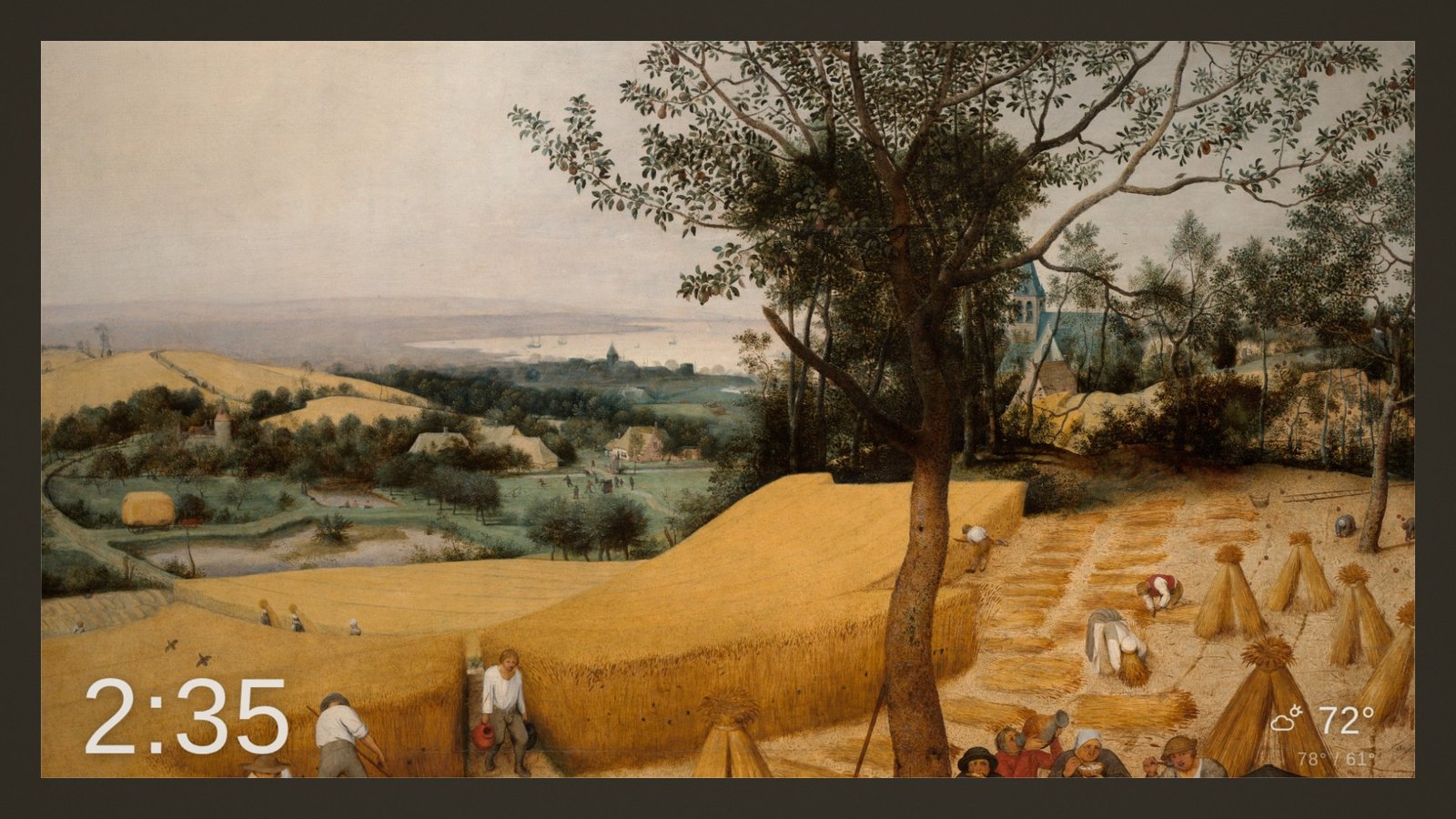
rustFrame points at your own Immich server and turns any screen in the house into a gallery wall — photos chosen with intent, cropped around the faces in them, matted in a colour pulled from the picture itself, and drifting so slowly you only notice when you look twice.
The itch
Digital photo frames have a curation problem and a motion problem, and nobody has fixed both. The commercial frames pick reasonable photos and then transition like a 2009 screensaver. The self-hosted options solved access to your library brilliantly — and then stopped short of making the result feel expensive.
Meanwhile the thing on your wall is showing a photo with somebody's forehead cropped off, next to an unrelated photo it happened to grab from the same queue.
We had thousands of family photos on our own Immich server and a screen we wanted people to stop and look at. So we built the missing half: a curation brain. The backend decides everything — which photo, whether two portraits deserve to hang together, exactly where to crop so no face is cut, what colour the mat should be, how the motion should resolve. The browser is a dumb, gorgeous renderer that executes a finished plan.
What the brain actually does
Five decisions, made before a single pixel is drawn.
It refuses to cut through a face
Every crop is solved against the face boxes Immich already detected, inflated for headroom. If no crop at the screen's aspect can hold every face, rustFrame mats the photo instead of cropping it. This is the most common failure of every frame we tested — designed out, not tuned away.
Diptychs are scored, not adjacent
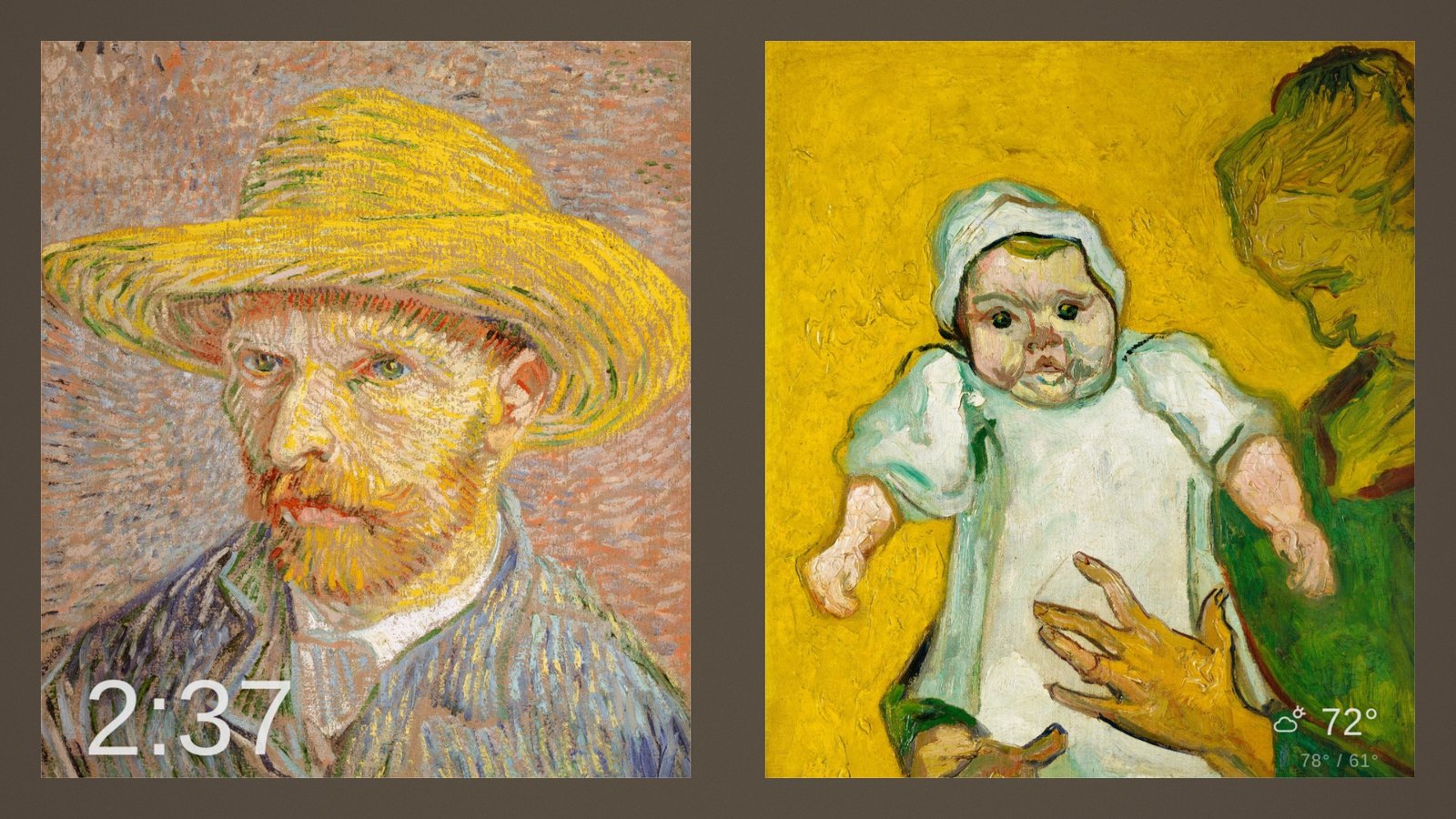
Two portraits on a landscape screen only work if they belong together. rustFrame scores every candidate pair on time, luminance, place, colour harmony, who's in them, and subject scale — then hangs the best one. Same-burst shots are excluded outright. If nothing clears the bar, it doesn't force a pair.
A mat colour pulled from the picture
Every photo gets its own mat, sampled from its dark-muted swatch and clamped so it never competes with the image. It's the trick expensive art-mode TVs use, done automatically, per photo. Diptychs blend both panes into one shared mat — that's what makes a pair read as composed rather than concatenated.
Motion that resolves onto the subject
A slow 1.08× move across a 30-second dwell and a 1.6-second dissolve, with the path drifting toward the face so the photo settles onto its subject. The pan continues straight through the transition. Random-direction panning is the number-one tell of a cheap frame.
Grain that does two jobs
A midtone-weighted film-grain pass gives the picture a photographic feel — and dithers away the gradient banding TV panels show on large flat mats. One shader, two problems solved.
Chrome that behaves
The clock and weather are persistent fixtures — they never blink or rebuild when the photo changes. The whole chrome layer drifts on a slow, never-repeating path, so no overlay pixel sits still (burn-in insurance you'll never notice). And no seconds on the clock: no premium ambient frame shows them.
It learns what you love
Curation rules get a frame to good. Getting to yours takes taste — and taste is something you teach by touch, not by settings.
Heart it, see it sooner
Double-tap a photo to favourite it — it starts surfacing more often, immediately. Thumbs-down means “less like this”: that photo and its burst siblings cool off for a month, and near-neighbours from the same moment get gently demoted. A later heart always wins, so undo is just a tap.
Rate the photo you touch
On a side-by-side pair, the photo under your finger is the one you’re rating — heart the left, thumbs-down the right. Every judgement is a single, precise signal about a single picture, which is exactly what makes the data worth something.
Your taste stays yours
Every tap lands in an append-only log on your own server — exportable as JSONL with one request. That log is the training set for what comes next: a “frame-worthy” scorer tuned to your family’s photos, not a generic model’s idea of a good picture. (Generic aesthetic models rank a giggling, sprinting toddler dead last. We checked.) No cloud, no profile, nothing leaves your network.
The look
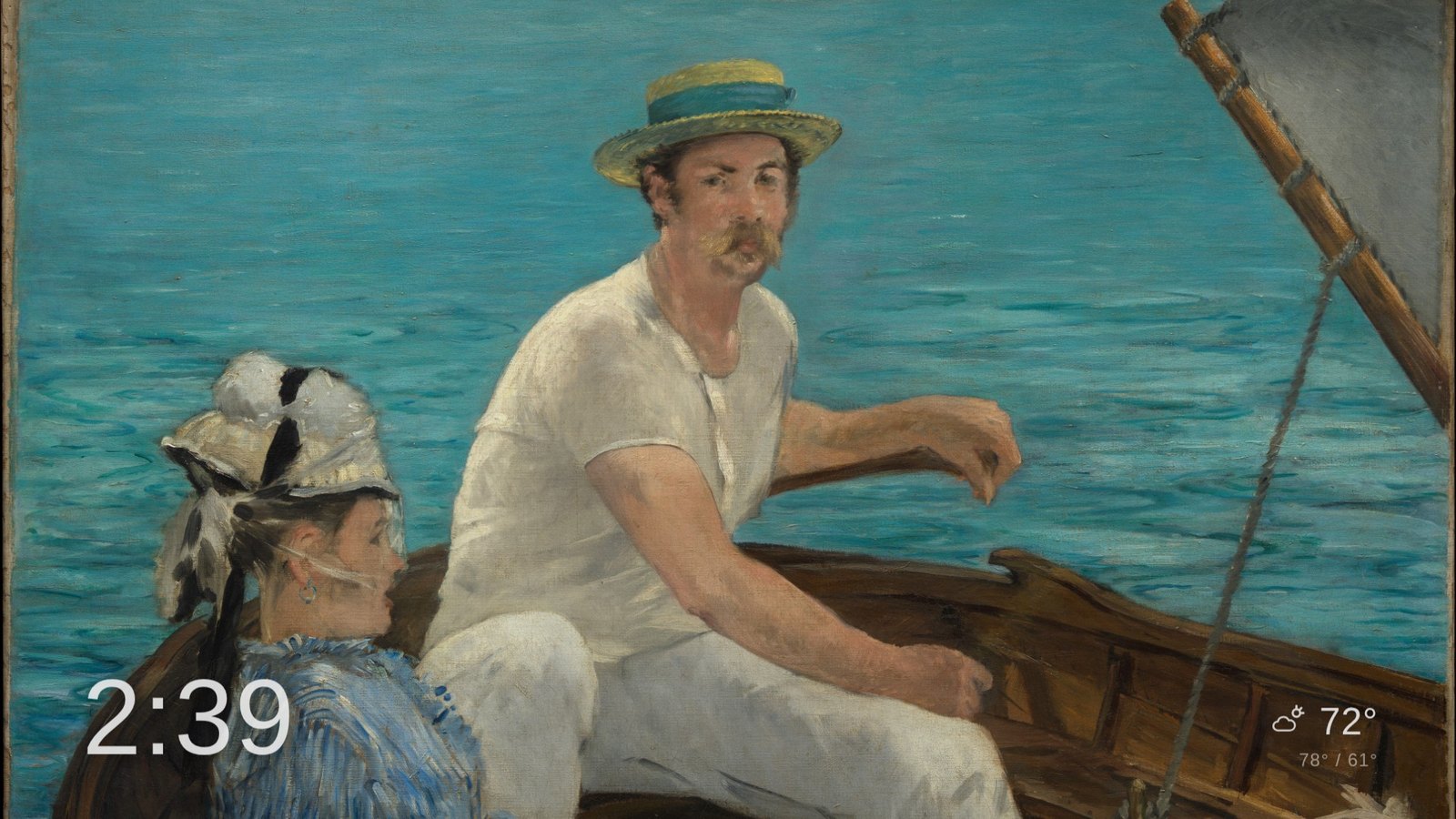
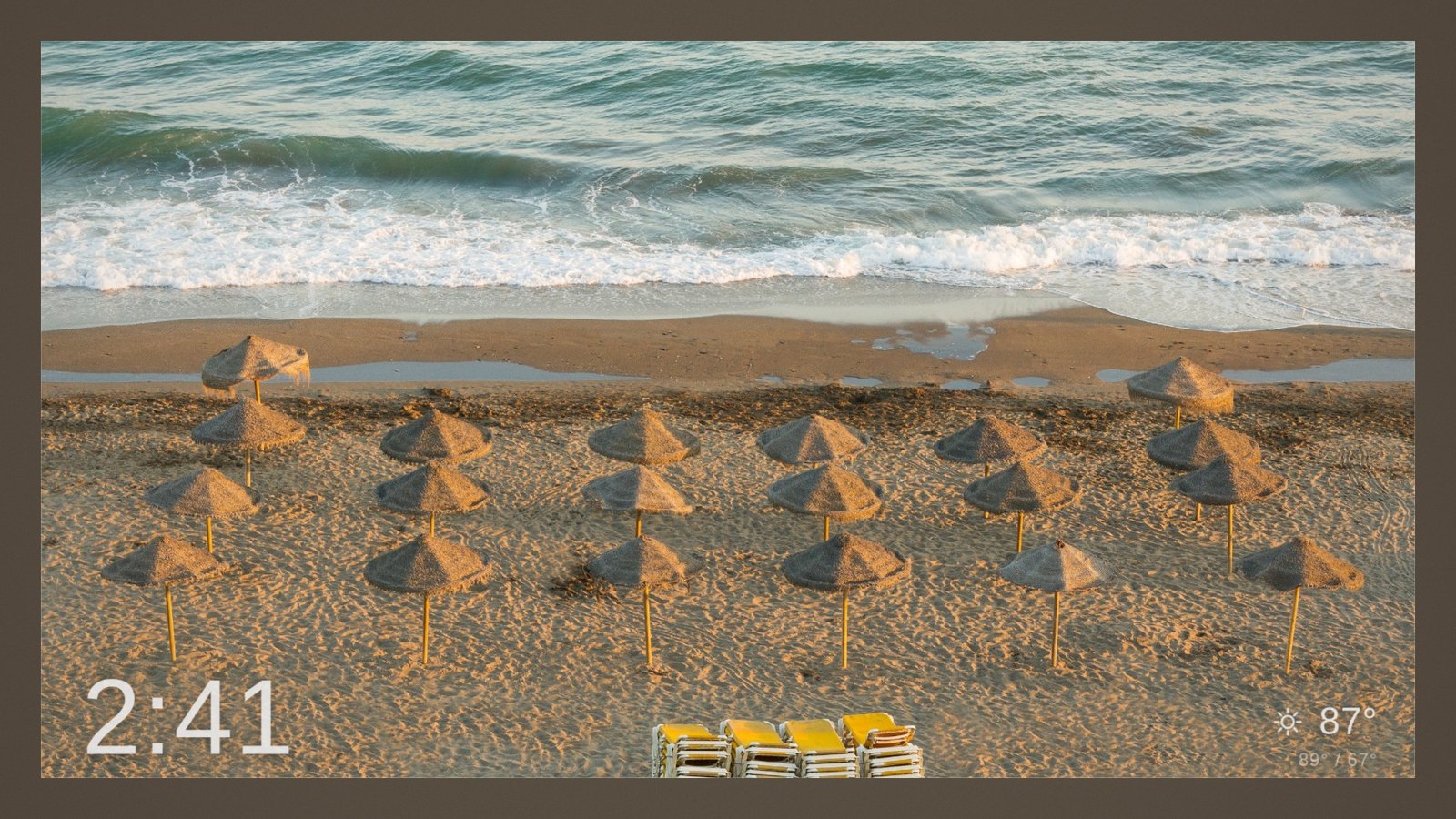
Gallery or full-bleed, single or paired — the same plan, rendered live in WebGL2.
Your library, plus the world's
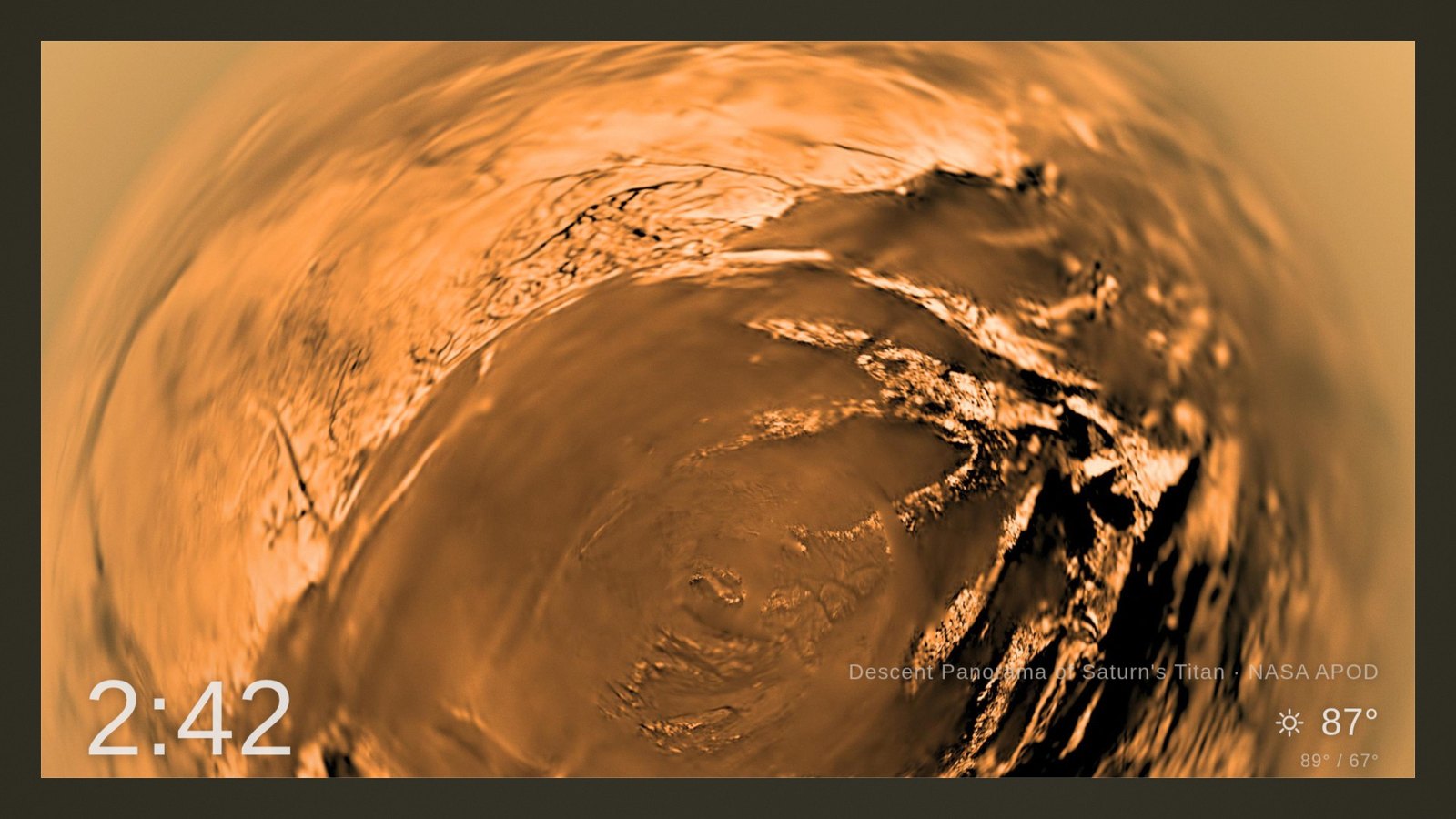
Alongside your own photos, rustFrame can weave in open-license collections — NASA's Astronomy Picture of the Day, The Met's Open Access catalogue, and Wikimedia Commons — at a percentage you choose. Licences and credit lines are resolved on the server, and anything whose licence can't be resolved is dropped rather than shown.
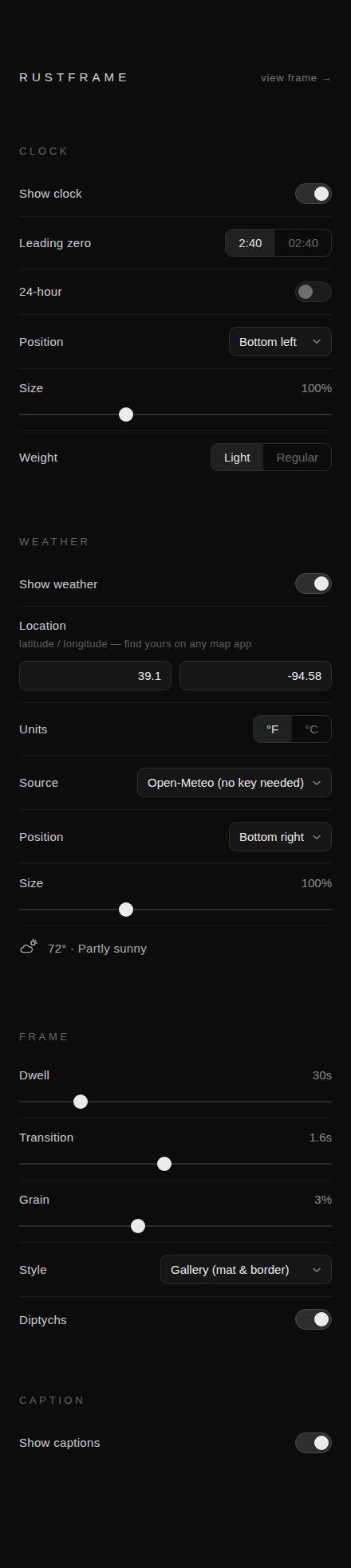
Tune it from your phone, live
Clock format and position, weather location and units, dwell, transition length, grain, gallery versus full-bleed, diptychs on or off, captions, which people appear. Every knob is a live setting — no restarts, no config files, no SSH.
How it works
One Rust binary with the renderer embedded. The backend decides; the browser never chooses.
That seam is also why rustFrame can feed other screens. It exposes a deliberately boring provider endpoint that hands a TV app one image URL, a title, an attribution line and a dwell time — enough for a dumb client to be a beautiful ambient display. Our own TV app, SpinViz, is the first consumer.
Where your photos go
Nowhere. rustFrame runs on hardware you own, talks to your Immich server over your own network, and uses a read-only API key you can revoke at any time. No account, no cloud service, no telemetry, nothing phones home. The index it builds is a disposable local cache — delete it and it rebuilds.
The only outbound requests it can make are to the open-art collections you switch on and, if you enable the weather chip, a weather API. Both are off or unset by default.
Status, honestly
rustFrame is running on a wall in our house every day, indexing a library of roughly 44,000 photos, and it is genuinely the nicest thing on any screen in the building. It is not packaged for other people yet — the honest blockers are configuration ergonomics and a proper first-run setup flow. A source release is planned.
| Piece | State |
|---|---|
| Curation brain — index, scoring, pairing, crops, mats, captions | In daily use |
| WebGL2 renderer — motion, dissolves, grain, mat & hairline, chrome | Working |
| Live settings page | Working |
| Open-license collections (NASA APOD · The Met · Commons) | Working |
| Ambient provider API for TV apps | Working |
| Adaptive scrim — chrome legibility over very bright photos | Next |
| Personalised "frame-worthy" scoring from your own favourites | Researched |
| Native Apple TV client | Someday |
Credit where it's due
rustFrame exists because someone else proved the idea first.
ImmichFrame is the project that showed everyone what a self-hosted Immich photo frame should be — point a screen at a URL, get your own photos, on every platform, with real care taken over clients most projects would never bother to ship. It is a generous, well-run, actively maintained piece of open source, and a large share of what rustFrame does well is the same idea done again: the client-points-at-a-URL architecture, the split-view layout, birthday detection from Immich's person records, the whole shape of the problem. We studied its behaviour closely, we argued with its choices, and we owe it the concept.
If you want a photo frame today — on the widest range of devices, with a community behind it — go use ImmichFrame.
rustFrame is an independent, clean-room implementation in Rust under the MIT licence; ImmichFrame is GPL-3.0. We read its documented behaviour and its issue tracker to understand the problem. No ImmichFrame code was copied, ported or adapted. Where we describe doing something differently, that's a design disagreement between two projects solving the same problem — not a criticism of one we admire.
- Immich — the self-hosted photo library this is all built on. rustFrame consumes Immich's own face detection, people clustering, albums and metadata; none of the curation would be possible without the work Immich has already done on your library.
- The Metropolitan Museum of Art Open Access — CC0 images of extraordinary quality, and the source of nearly every screenshot on this page.
- NASA Astronomy Picture of the Day — three decades of public-domain wonder, with credit lines maintained properly.
- Wikimedia Commons — and the photographers who license their work so it can be shown.
- GL Transitions and mattdesl's film-grain shader — prior art we learned the craft from.
Every screenshot on this page is open-license art — The Met Open Access (CC0), NASA APOD, and Wikimedia Commons. No personal photographs appear anywhere on this site. The frame's actual job is your family; we're just not going to put ours on the internet to prove it.