Turn any Android tablet into a private smart display.
DashVoice is a smart home voice assistant, Home Assistant dashboard, and synchronized multiroom speaker in one app. Wake word and speech recognition run entirely on the tablet — your voice never leaves your network.
Everything a smart display should be
Built on open ecosystems — Home Assistant stays the brain of your home; DashVoice makes it gorgeous, audible, and hands-free.
Voice, fully on-device
Wake word ("Hey Jarvis") and speech recognition run locally on the tablet. Control lights, ask questions, set timers — even with the internet down.
Voice music, room by room New
"Play LCD Soundsystem radio on the main floor." Artist radio, albums, playlists — resolved by Music Assistant and played in sync across the rooms you name.
Announcements New
"Announce dinner is ready" — every tablet in the house shows a full-screen card, chimes, and speaks it. Works from voice, Home Assistant, or automations.
Native timers New
Multiple named timers by voice, full-screen alarms, pause and resume — running on the tablet itself, no server round-trip, works offline.
Wall-mount dashboards
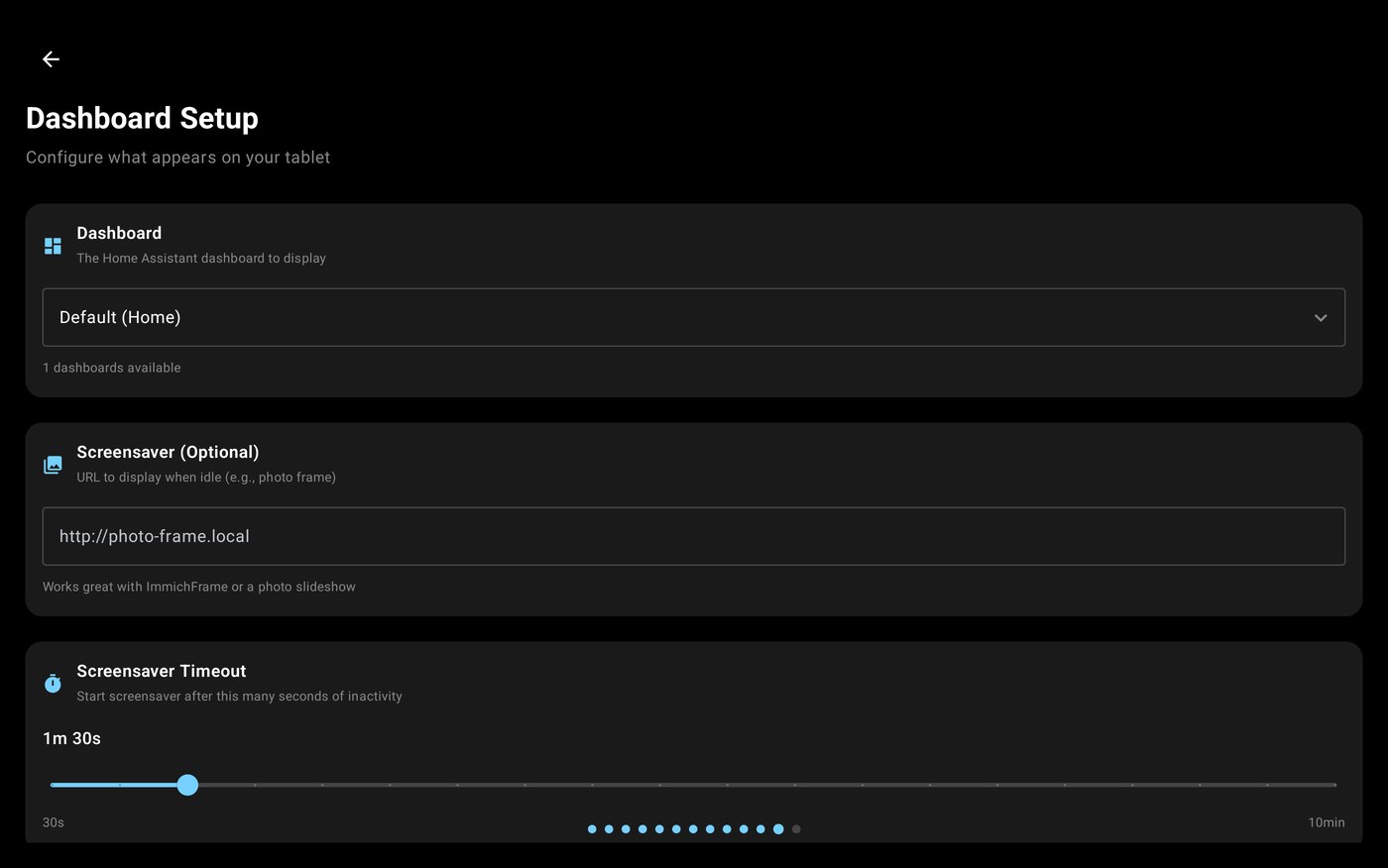
Your Home Assistant dashboard in kiosk mode, with a photo-frame screensaver, ambient night clock, and motion wake. Made to live on a wall.
Whole-home speaker
Every tablet is a synchronized Music Assistant speaker with a gorgeous now-playing view — album art, spectrum, and multiroom grouping controls.
Just say it
A few of the things DashVoice handles natively — instantly, on the tablet, no LLM or cloud assistant required. Everything else falls through to your Home Assistant assistant untouched.
- Hey Jarvis, play LCD Soundsystem radio on the main floorartist radio, synced across the zone
- play the dinner party playlist in the kitchenplaylists, albums, tracks by name
- stop the music · next song · turn it downtransport & volume, zone-aware
- announce it's time to leavefull-screen broadcast on every tablet
- set a 10 minute pasta timernamed timers, offline, full-screen alarm
- turn on the kitchen lightspassed straight to Home Assistant
Set up once, from the tablet
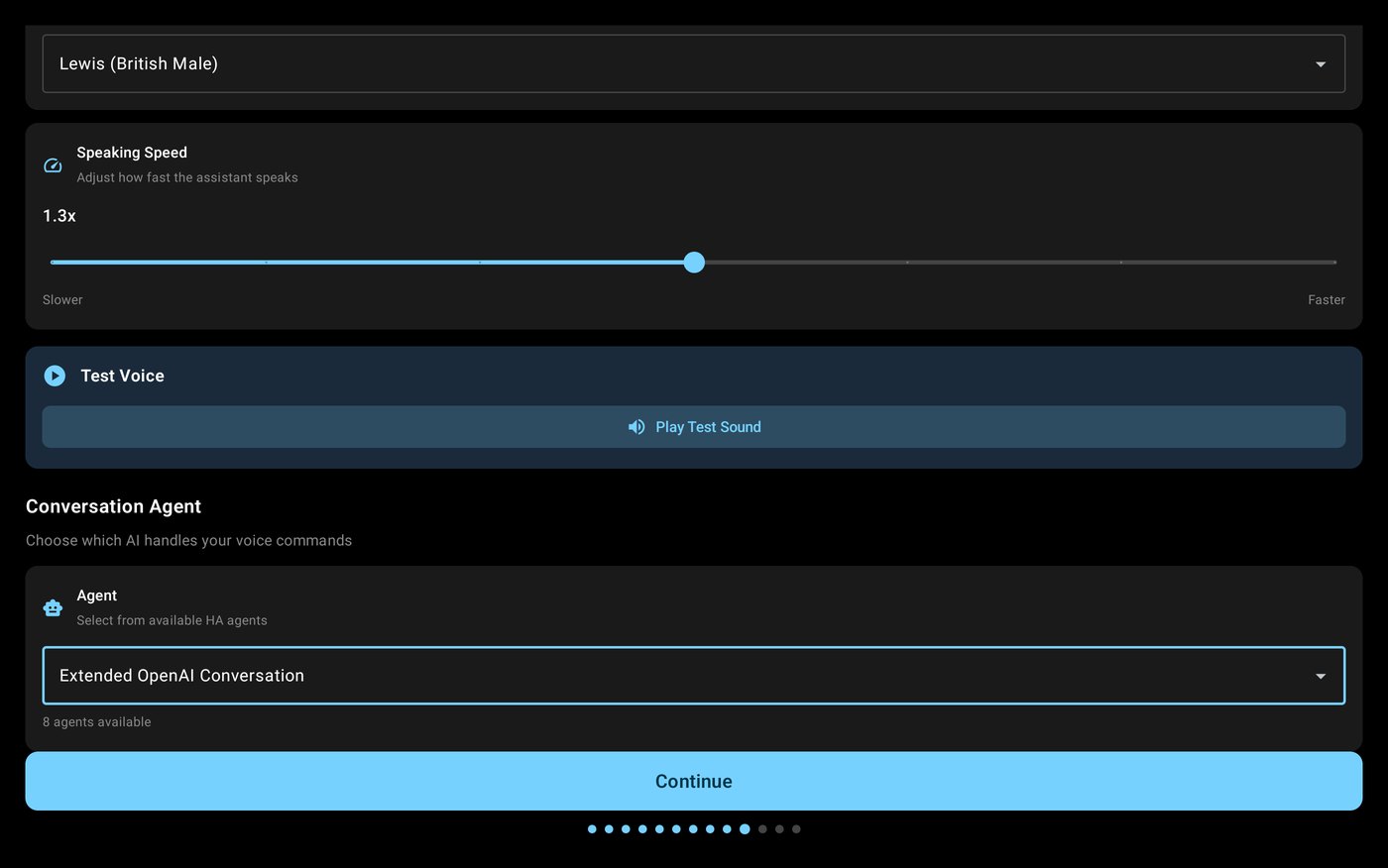
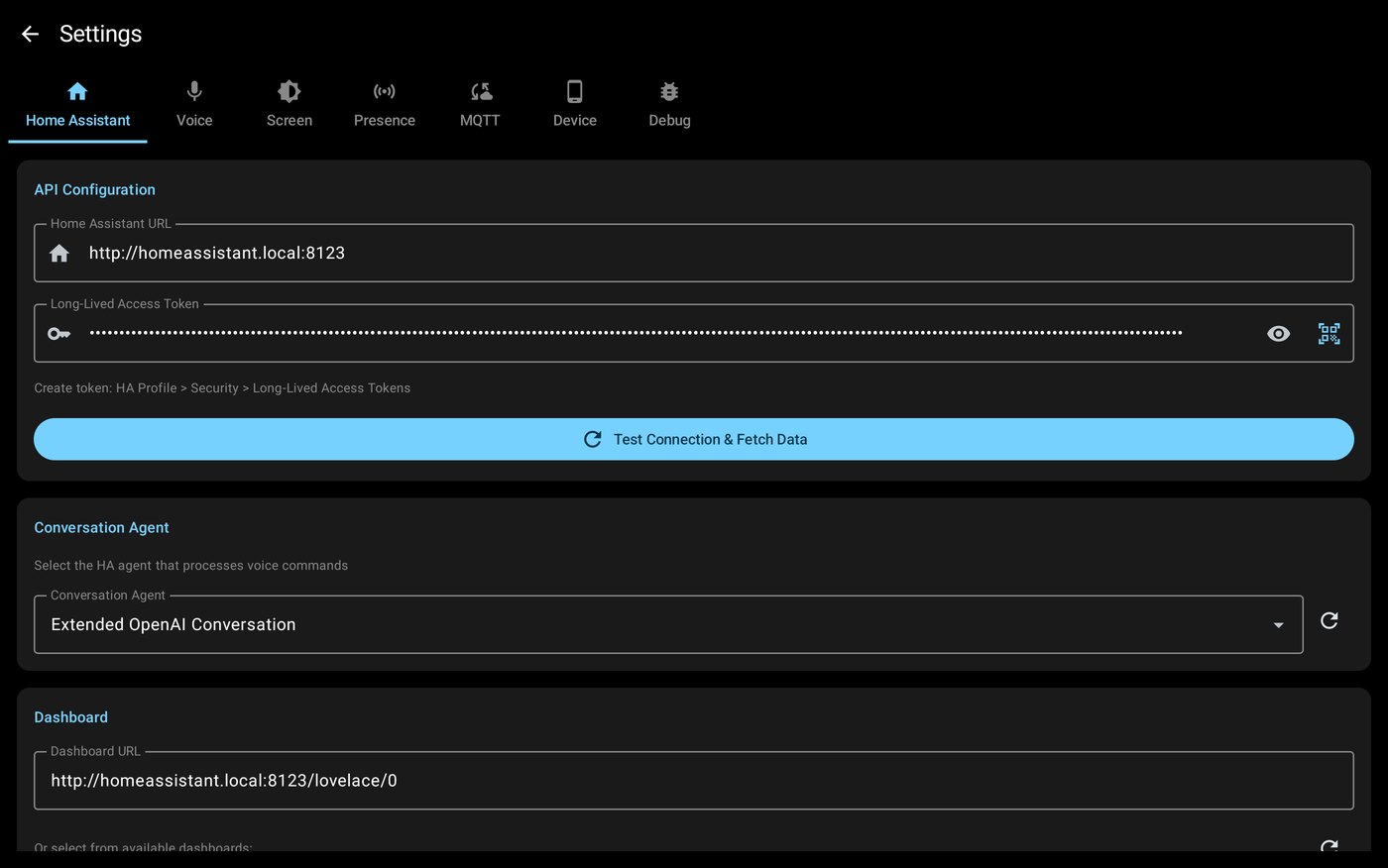
A guided onboarding walks the tablet through Home Assistant, voice, dashboards and audio — and every choice stays editable afterwards in one settings screen.
Docs & support
Everything is documented in the open on GitHub.